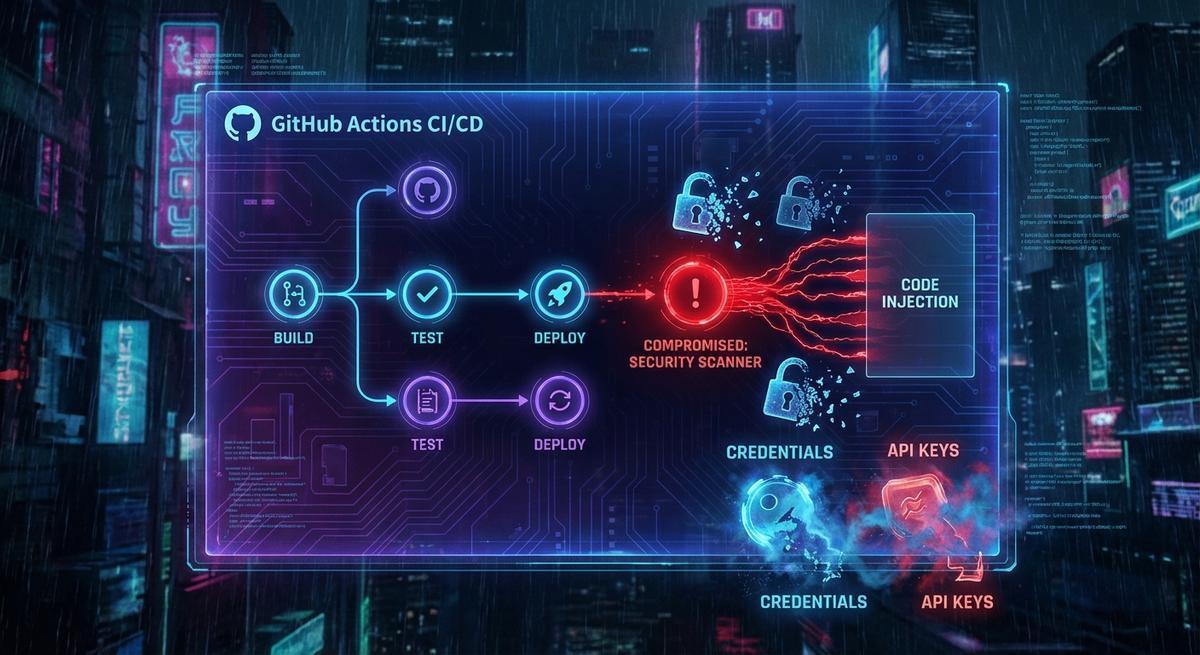
In March 2026, someone gained access to the aquasecurity/trivy-action repository and rewrote 76 of 77 version tags. Each rewritten tag pointed to a payload designed to exfiltrate secrets from any runner that executed it. The attack hit before most teams noticed anything wrong.
What got stolen? AWS credentials, GitHub tokens, Kubernetes service account tokens, SSH keys, Docker registry passwords, database credentials, crypto wallet keys. Anything that was available to the runner environment got scooped up.
The response was predictable: pin your actions to SHA hashes. That advice is correct. You should do it. But if that’s all you take from this incident, you’ve fixed the wrong problem.
Why SHA pinning is the right first step
A GitHub Actions workflow that references aquasecurity/trivy-action@v0.28.0 trusts whatever aquasecurity has put at that tag today. If someone rewrites the tag tomorrow, your pipeline runs the new code. You don’t know. Nothing warns you.
SHA pinning changes the reference to something immutable:
- uses: aquasecurity/trivy-action@abc123def456... # full SHANow the tag can be rewritten a hundred times and your pipeline doesn’t care. It runs exactly the commit you verified. The mutable tag attack vector is closed.
This matters. It’s a real control against a real attack pattern. You should add SHA pins to every third-party action you use.
But here’s what SHA pinning cannot stop.
It cannot stop a maintainer’s account from being compromised before you pinned. If the original commit at that SHA already contained malicious code, you’ve pinned to the malicious version. You’ve just made it stable.
It cannot stop a supply chain attack that happens at a layer below the action. A compromised dependency in the action’s own build process, a poisoned npm package, a tainted Docker base image.
It cannot stop an insider at the action’s organization from introducing malicious code in a new commit, which you’d then need to review before updating your pin.
SHA pinning answers the question: “is this the code I verified?” It does not answer: “is this code safe to run with access to all my credentials?”
The gap SHA pinning doesn’t close
Here’s the real problem. Every step in your GitHub Actions workflow has access to every secret in your repository. That’s how GitHub Actions works by default.
When the Trivy attack ran, the malicious payload didn’t need to break anything. It just read environment variables. AWS_ACCESS_KEY_ID. AWS_SECRET_ACCESS_KEY. GITHUB_TOKEN. Whatever you’d loaded into the runner. All of it was sitting there, available to any step that ran in that job.
The attack also exposed a rotation failure. Teams that detected the compromise tried to rotate credentials one by one. That’s slow. While they were rotating, the attackers were capturing fresh tokens. Rotation helps, but if you rotate 10 credentials sequentially over 20 minutes, that’s 20 minutes where new credentials coexist with compromised access. Rotation needs to be fast and atomic to matter. Most teams can’t do that.
SHA pinning in this scenario would have prevented the initial vector if teams had already pinned. Good. But any pipeline that already held live AWS credentials was still at risk the moment any action ran, whether it was the Trivy action or something else.
The credentials were the problem. The mutable tag was just the delivery mechanism.
Your pipeline secrets are one compromised action away
API Stronghold injects short-lived scoped credentials at task time. Even if malicious code runs, it gets a token that expires in minutes and can only hit one API.
No credit card required
Short-lived scoped tokens: the structural fix
The question to ask is not “how do I prevent malicious code from running?” You can make that harder, but you cannot make it impossible. The question is: “if malicious code does run, what can it actually do?”
If your pipeline holds a long-lived AWS access key with broad permissions, the answer is “a lot.” It can exfiltrate data, spin up resources, create new credentials, and leave backdoors you won’t find for weeks.
If your pipeline holds a short-lived token scoped to exactly one operation, the answer is “almost nothing useful.” The token expires in minutes. It can only call the one API it was issued for. By the time an attacker tries to reuse it, it’s already invalid.
This is the structural fix. Not better code review. Not faster rotation. Not more alarms. Pipelines should hold credentials that expire before they can be weaponized.
There are two ways to get there.
Practical implementation
Option 1: OIDC with cloud providers
GitHub Actions supports OpenID Connect natively. AWS, GCP, and Azure all support OIDC federation. Instead of storing static credentials, your workflow requests a short-lived token at runtime:
permissions:
  id-token: write
  contents: read

jobs:
  deploy:
    runs-on: ubuntu-latest
    steps:
      - uses: aws-actions/configure-aws-credentials@v4
        with:
          role-to-assume: arn:aws:iam::123456789012:role/GitHubActionsRole
          aws-region: us-east-1
The configure-aws-credentials action calls GitHub’s OIDC endpoint, gets a JWT, exchanges it with AWS STS for temporary credentials scoped to GitHubActionsRole, and injects them into the environment. Those credentials last 15 minutes by default. They cannot be reused after expiry.
If malicious code runs in the same job and reads AWS_ACCESS_KEY_ID, it gets a credential that’s useless in 15 minutes. If the attacker is fast enough to use it in that window, they’re limited to whatever GitHubActionsRole allows. Lock down that role with least-privilege IAM policies and the blast radius shrinks further.
This pattern works well for AWS, GCP, and Azure. It doesn’t work for services that don’t support OIDC federation, which is most APIs.
Option 2: A secrets proxy
For everything else, a secrets proxy gives you the same short-lived, scoped token pattern without requiring the target service to support OIDC.
The idea: your pipeline doesn’t hold credentials for your third-party API at all. It holds a reference to a proxy that will issue a time-limited token with specific permissions when a step requests it. The proxy logs every issuance. Tokens expire automatically.
When a step needs to call your payment API, it requests a token from the proxy. The proxy issues a credential scoped to exactly that API, valid for 10 minutes. The step calls the API. The token expires. If malicious code runs before or after that step and reads environment variables, it finds nothing reusable.
This is what API Stronghold does. The pipeline gets task-scoped credentials injected at execution time, not static secrets loaded at job start.
The two-layer answer
SHA pin your actions. Seriously. Go do it. The mutable tag attack is real and pinning is cheap.
But recognize what pinning does and doesn’t cover. It stops the specific vector of a rewritten tag. It doesn’t change the fact that your pipeline holds credentials that any step, any action, and any compromised dependency can read.
The second layer is removing long-lived credentials from your pipelines entirely. OIDC for cloud providers. A secrets proxy for everything else. Short-lived tokens scoped to the minimum necessary permissions.
With both layers in place, a repeat of the Trivy attack against your pipelines looks very different. The SHA pin blocks the rewritten tag. If an attacker somehow gets code to run anyway, they get credentials that expire in minutes and can only call one API. There’s nothing worth exfiltrating.
That’s the goal: make the attack not worth running, not just harder to initiate.
Stop handing your pipeline a master key
Scoped short-lived tokens mean a compromised action gets something useless. Set up in under 10 minutes.
No credit card required