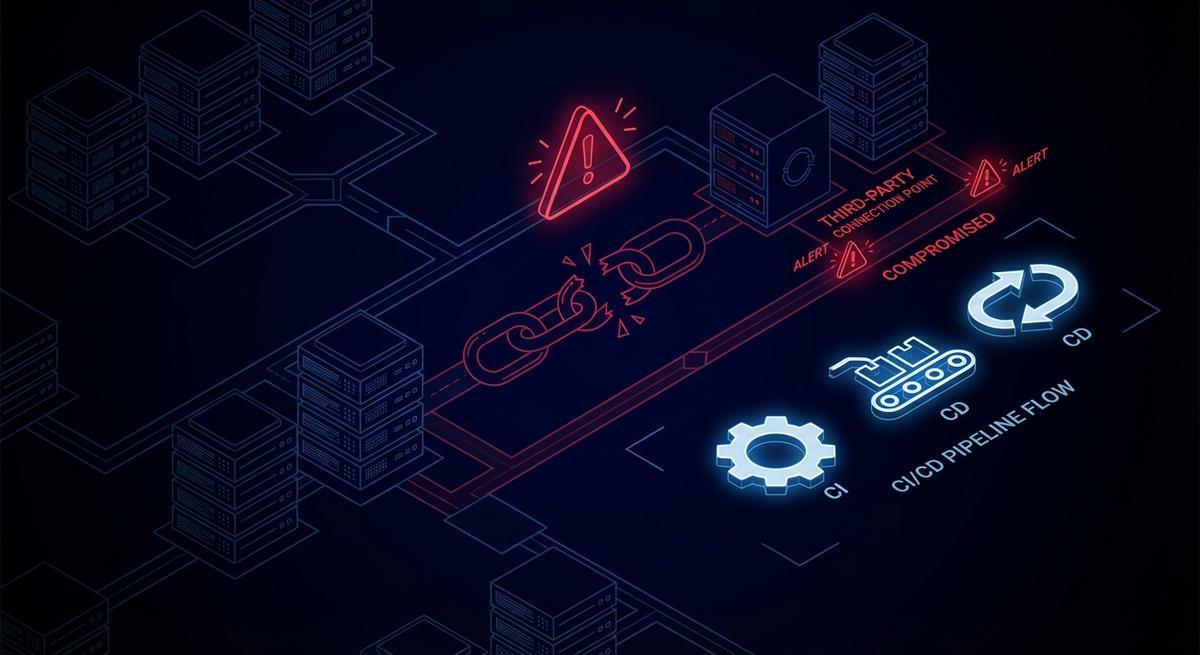
ShinyHunters didn’t breach Cisco directly. They compromised a third-party vendor that held CI/CD credentials with AWS access. That vendor’s long-lived key was the door. No phishing, no zero-day, no sophisticated lateral movement through Cisco’s own perimeter. Just a key that lived too long, had too much access, and sat in someone else’s environment.
The same week, axios@1.14.1 showed up on npm. A compromised maintainer account. A backdoor that ran inside thousands of CI pipelines and had full access to every environment variable in scope. Secrets, tokens, API keys. All of it.
Two incidents. One week. Same root cause.
The Transitive Trust Problem
When you onboard a vendor, you grant them credentials. Those credentials go into their environment. Their CI/CD pipeline. Their secrets manager. Their engineers’ .env files, sometimes.
You trust the vendor. The vendor trusts their pipeline. The pipeline trusts the key that was issued during onboarding, has never been rotated, and has IAM permissions nobody audited since the integration first went live.
That’s three layers of trust stacked on top of each other, and you only control the first one.
The Cisco incident illustrates this clearly. ShinyHunters reportedly accessed Cisco’s AWS environment through a third-party that held active CI/CD credentials. The attacker didn’t need to touch Cisco’s internal systems directly. They went through the vendor. The vendor’s compromised credentials gave them the same access the vendor had, which turned out to be quite a lot.
The axios backdoor worked differently but landed in the same place. The malicious package ran inside CI jobs. Those jobs had access to secrets injected as environment variables: cloud keys, API tokens, deploy credentials. The malicious code ran for two hours and fifty-four minutes before being caught. In that window, anything those env vars could reach was reachable.
Both incidents had credentials with too much access, too long a lifespan, and no isolation per vendor or per job. Fix any one of those three properties and the blast radius shrinks dramatically. Fix all three and you’ve contained it.
Why Vendor Credentials Are Your Problem
Here’s a framing that helps: every set of credentials you issue to a vendor is a second front door to your systems. You control what’s on the door (the permissions). You don’t control who’s guarding it on their side.
Your SOC 2 report covers your rotation policy. It does not cover theirs. Your security team audits your secrets management. Nobody audits theirs on your behalf. When you grant a vendor an IAM role or an API key, you’re extending your trust boundary into an environment you cannot see.
The permissions you granted at onboarding are probably still in place. Onboarding is when everyone’s trying to get something working, and “least privilege” gets deferred until “after launch.” After launch, the integration keeps running, the permissions stay, and no one schedules the follow-up audit.
What makes this particularly tricky is that the vendor’s breach shows up in your logs. Their compromised deploy key starts making API calls to your endpoints. The calls look normal because the credentials are valid. You’ll see the requests, but without some kind of per-vendor token scoping, you can’t easily distinguish “our vendor’s normal deploy” from “someone using our vendor’s stolen key.”
You can’t monitor their environment. But what happens in their environment absolutely affects yours.
The Attack Surface You’re Not Measuring
Pull up your IAM console. Count how many users or roles exist for external integrations. Now ask yourself: when was each one last rotated? What can each one actually do? Who reviews them?
Most teams don’t have a clean answer to any of those questions.
Vendor credentials in practice look like a mix of things:
- GitHub Actions secrets for cloud deployments, injected as env vars into every job in the repo
- Deploy keys with read or write access to source repositories, issued to CI vendors and never rotated
- Webhook tokens that authenticate inbound events from third-party services, often shared across multiple integrations
- Shared API keys passed to vendors in onboarding emails, living in their config files
- IAM users created for a vendor integration and never converted to roles or OIDC
Each one is a potential breach vector. Each one has a blast radius: if this credential is compromised, what can an attacker do? The honest answer for most teams is “more than they should be able to.”
The Verizon DBIR put third-party involvement in breaches at 68% in its most recent report, up from around 15% in 2023. That’s not a small trend. That’s a structural shift in how attacks happen. Attackers have figured out that your vendors are softer targets with the same keys.
Most teams are not measuring this attack surface. They’re auditing their own stack, running penetration tests against their own perimeter, and assuming their vendors are secure because they signed a vendor security questionnaire eighteen months ago.
Three Controls That Would Have Contained Both Incidents
Per-Vendor Scoped Tokens
Every vendor integration should get credentials scoped to exactly what that integration needs. Not your whole AWS account. Not broad S3 access. The deploy pipeline gets write access to exactly one S3 bucket. The monitoring integration gets read access to exactly the CloudWatch namespace it needs. Nothing more.
If ShinyHunters had compromised a vendor that held a scoped token instead of broad AWS credentials, the exfiltration would have been limited to whatever that specific integration could reach. Instead of source code across multiple repositories, maybe they get one deployment artifact. That’s a vendor incident, not a Cisco incident.
Scoping requires upfront work. You have to know what each integration actually needs, which means you have to talk to the vendor or read their documentation carefully. Most teams skip this and grant broader permissions to avoid integration failures. That shortcut is the vulnerability.
Short-Lived Credentials Per Pipeline Run
A long-lived API key or IAM user credential has a fixed lifespan problem: it’s valid until you rotate it, and you probably haven’t. A short-lived credential is valid only for the duration of the job that requested it.
The axios@1.14.1 backdoor ran for two hours and fifty-four minutes. If the CI pipelines running that package had used per-job ephemeral tokens, the blast radius would be limited to secrets that were in scope during that specific job. The token expires when the job ends. A breached token from a finished job is already expired.
For GitHub Actions, AWS, GCP, and Azure all support OIDC workload identity federation natively. Instead of a long-lived secret in your repo settings, the job exchanges an OIDC token for short-lived cloud credentials at runtime. No static keys. No rotation schedule. The credential lives for the duration of the job.
This is available today, free, and takes about an hour to set up per integration. Most teams haven’t done it.
Vendor Credential Audit
Before you can fix the problem, you need to know what you have. A vendor credential audit is just a structured inventory: every third-party integration, what credential it holds, what that credential can do, and when it was last reviewed.
Start with IAM. Pull all users and roles. Filter for anything tagged with an external service name, or anything whose description mentions a vendor, or anything that was created by someone who isn’t currently on your team. For each one: what policies are attached? When was the access key last rotated? Is there a human account linked to it that should be a service account?
Then move to your CI/CD platform. List every secret in every organization, repo, and environment. For each secret: who has access? Which jobs use it? Does it need to be there, or is it a leftover from an integration that was deprecated six months ago?
This audit probably takes a day. The findings will be uncomfortable. Run it anyway.
How to Start
Audit your IAM first. The AWS CLI makes this straightforward:
# List all IAM users and their last key rotation
aws iam list-users --query 'Users[*].[UserName,CreateDate]' --output table

# For each user, check active access keys
aws iam list-access-keys --user-name <username>

# Check attached policies
aws iam list-attached-user-policies --user-name <username>
aws iam list-user-policies --user-name <username>
Tag every IAM entity with its purpose and the vendor it belongs to. If you can’t tag it because you don’t know what it’s for, that’s the finding. Lock it down until you figure it out.
Migrate GitHub Actions to OIDC. The setup is roughly:
- Create an IAM OIDC identity provider for
token.actions.githubusercontent.com - Create an IAM role with a trust policy scoped to your specific repo and branch
- Replace your long-lived AWS secrets with the
aws-actions/configure-aws-credentialsaction usingrole-to-assume
No secret to store. No rotation schedule. Job-scoped by default.
For vendor API access, use a credential proxy. If vendors call your APIs, don’t issue them long-lived API keys. Issue them scoped tokens that grant access to the specific endpoints they need and expire after the session. If the vendor’s environment is compromised, the attacker gets a token that can call your /webhooks/events endpoint, not your entire API surface.
This is exactly what API Stronghold’s phantom tokens are designed for. Each vendor or integration gets a token that maps to a narrow permission set and expires on a schedule you control.
The Uncomfortable Math
You can audit your own stack. You can run your own penetration tests. You can enforce your own rotation policies and least-privilege IAM. You’ve probably done some version of all of that.
You cannot audit your vendors’ stacks. You cannot enforce their rotation policies. You cannot control whether their engineers put credentials in .env files or commit secrets to private repos that get cloned to contractor machines.
The only control you have over a vendor credential breach is what you gave them and how long it lasts.
If you gave them broad credentials that never expire, a breach at their end becomes a breach at your end. The attacker has everything the vendor has, for as long as the credential is valid, which is probably forever.
If you gave them scoped, short-lived credentials, a breach at their end is a vendor incident. The attacker has access to one S3 bucket, or one API endpoint, or whatever narrow thing that specific integration needed. The credential expires. The window closes.
The math is simple. The hard part is doing the work before the incident rather than after it.
API Stronghold issues scoped phantom tokens for vendor integrations, CI/CD pipelines, and AI agents. If a vendor gets breached, the credential they held expires before the attack is even discovered. Start a 14-day free trial at https://www.apistronghold.com.